เตรียมเครื่องมือก่อนการเขียนโปรแกรมภาษา Java
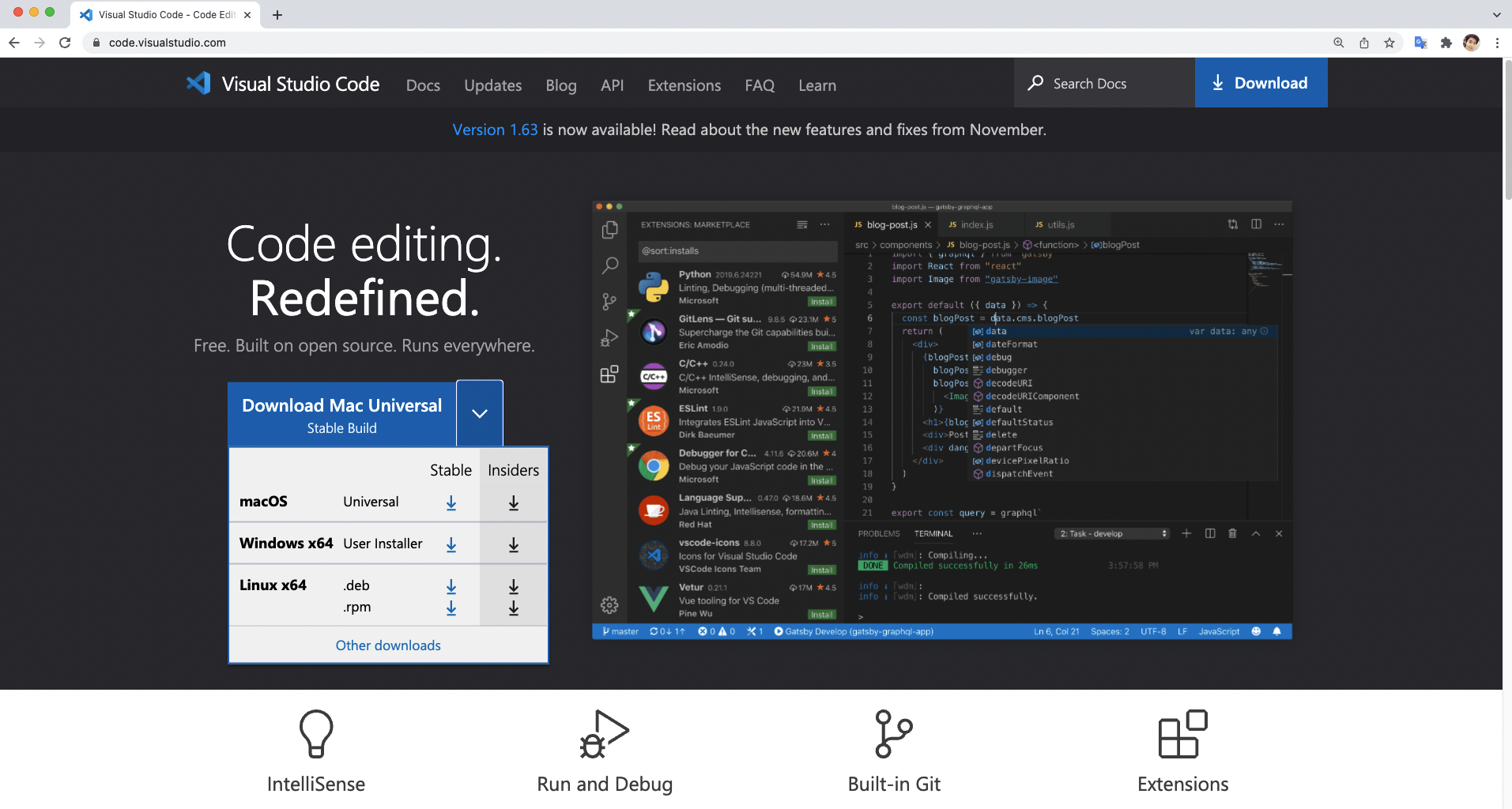
1. ติดตั้งโปรแกรม Visual Studio Code
ดาวน์โหลดและติดตั้งโปรแกรม Visual Studio Code (VSCode) ทาง https://code.visualstudio.com/ รองรับทั้ง macOS, Windows และ Linux
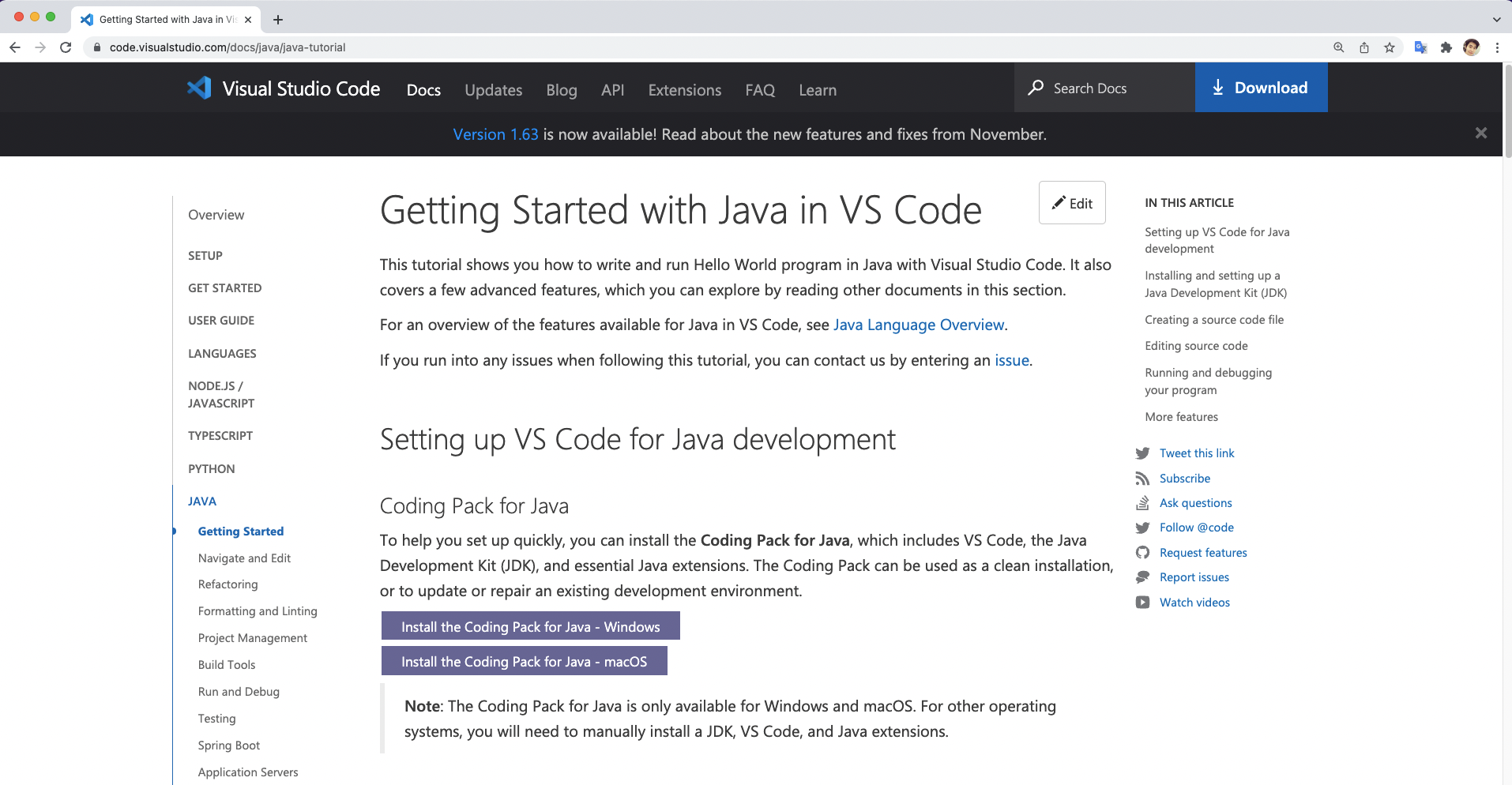
2. ติดตั้ง Environment สำหรับเขียนโปรแกรมภาษา Java ด้วย Visual Studio Code
2.1 Getting Started with Java in VS Code ทาง https://code.visualstudio.com/docs/java/java-tutorial
2.2 Install the Coding Pack for Java – Windows หรือ macOS
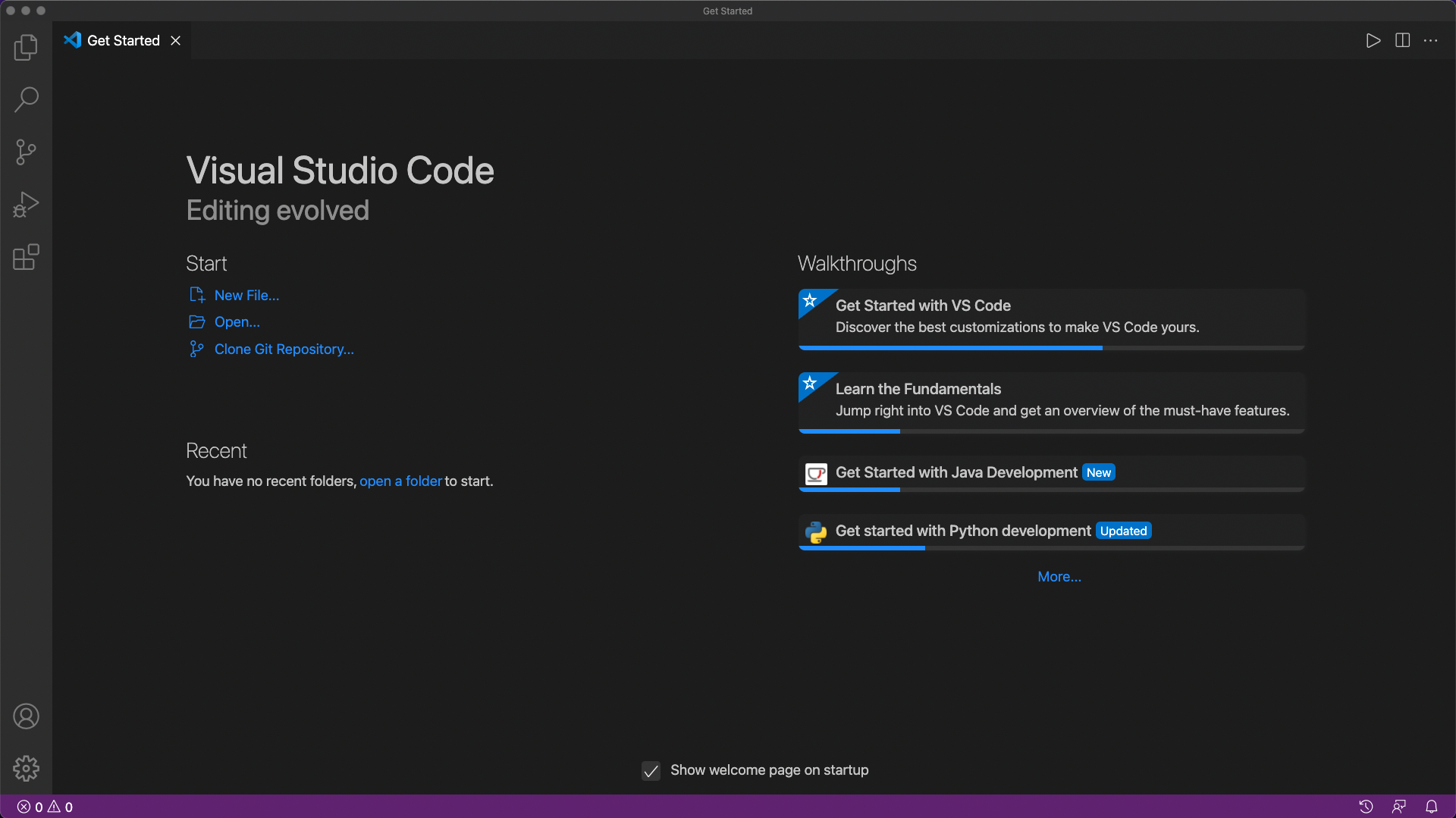
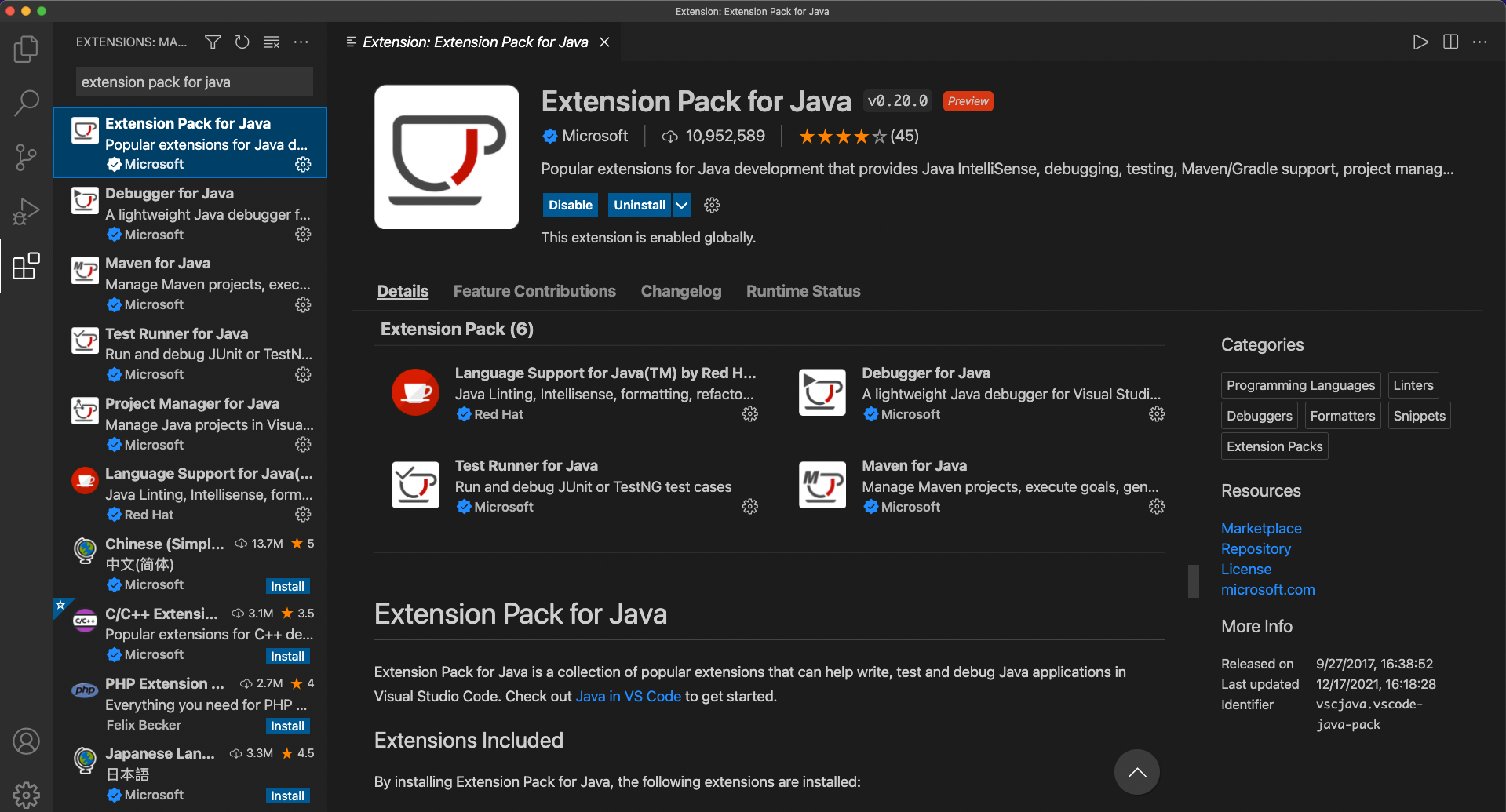
2.3 Install the Extension Pack for Java
เปิดโปรแกรม VS Code –> Extensions พิมพ์คำว่า extension pack for java
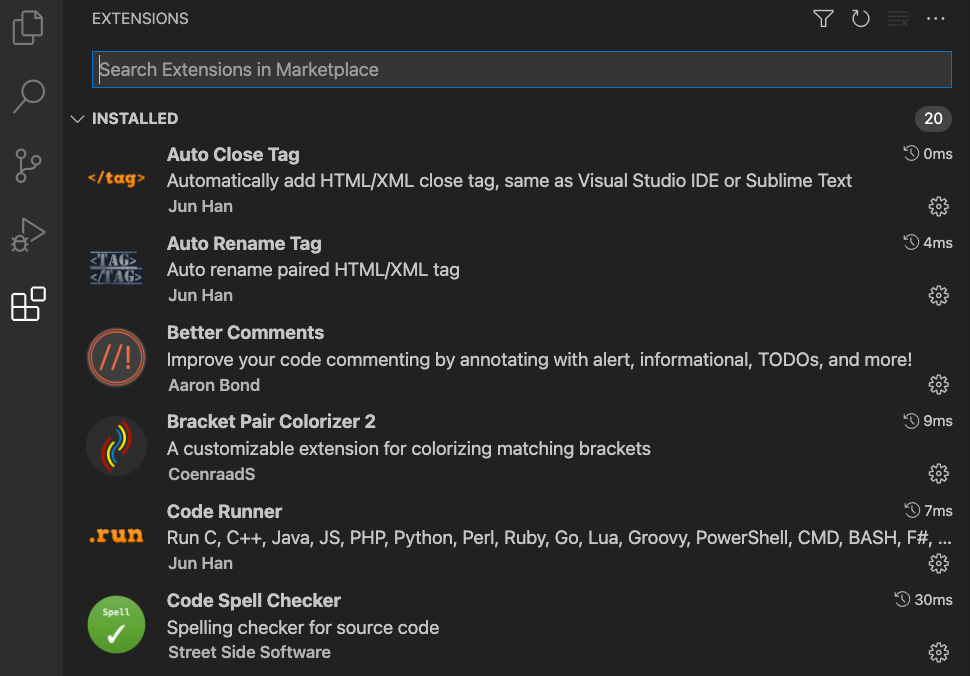
3. ติดตั้ง Extensions ต่าง ๆ ที่ช่วยให้การเขียนโปรแกรมบน VS Code สะดวกและง่ายขึ้น
4. เริ่มต้นเขียนโปรแกรมภาษา Java ด้วย VS Code
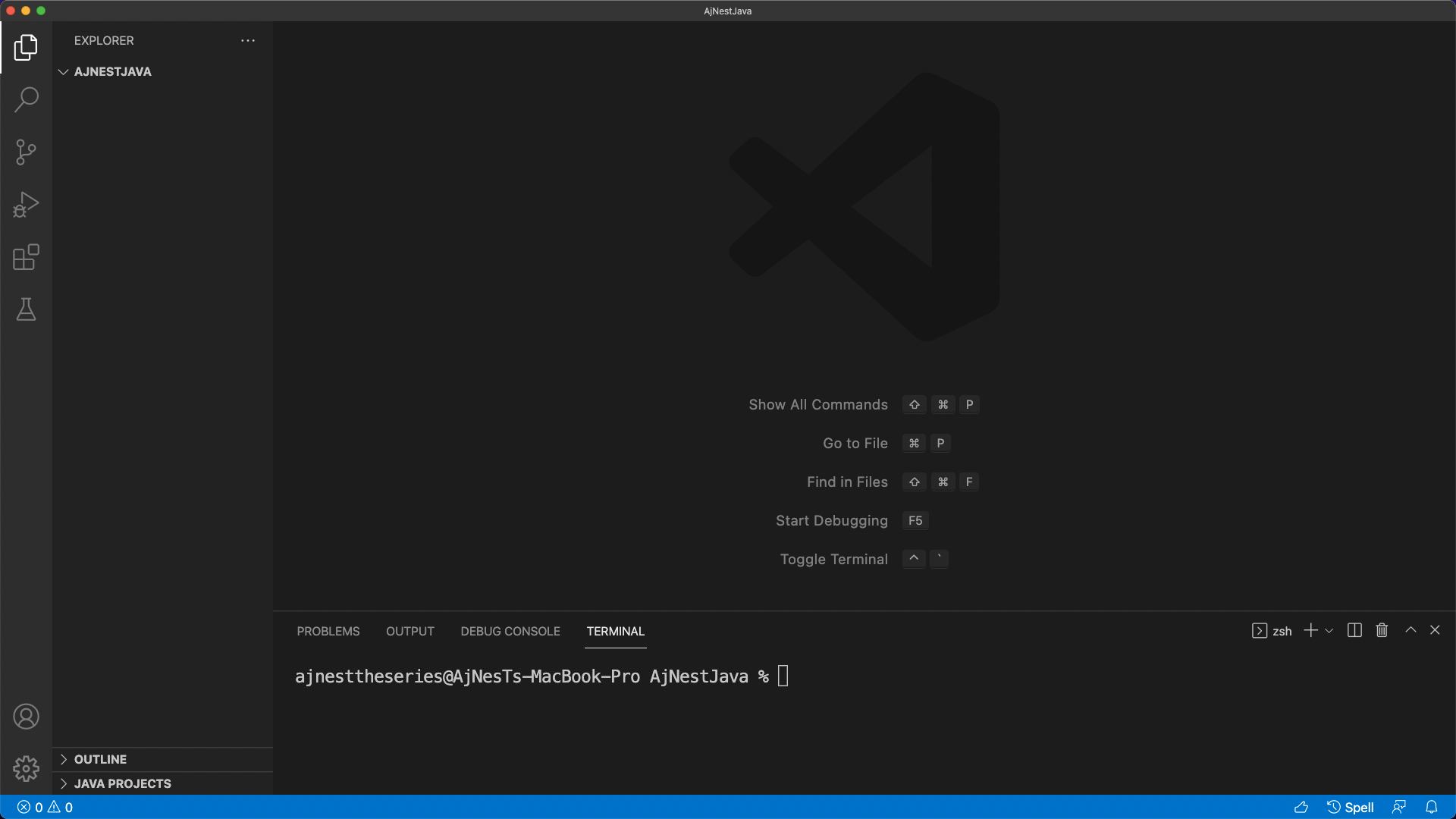
สร้าง Folder สำหรับเก็บไฟล์เขียนโปรแกรม แล้วลากมาใส่ในโปรแกรม VS Code
ฝึกปฏิบัติการเขียนโปรแกรมภาษา Java
แบบฝึกหัดที่ 1 Java Syntax
สร้างไฟล์ .java
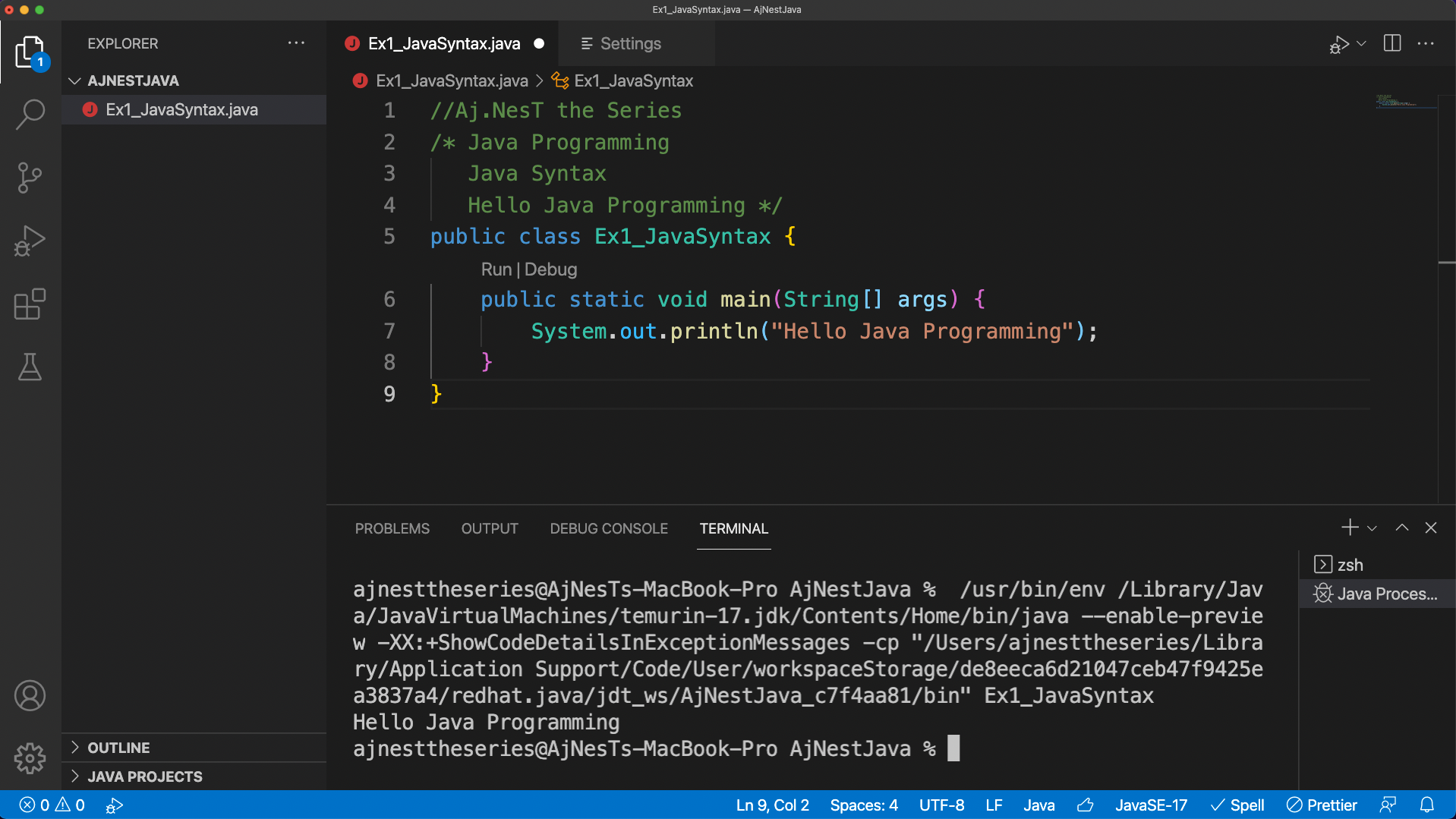
New File –> ตั้งชื่อ Ex1_JavaSyntax.java –> ทำการเขียนโปรแกรมภาษา Java ตาม Code –> กด Run แสดงผลลัพธ์ออกทาง Terminal
//Aj.NesT the Series
/* Java Programming
   Java Syntax
   Hello Java Programming */
public class Ex1_JavaSyntax {
    public static void main(String[] args) {
        System.out.println("Hello Java Programming");
    }
}
ทำการ Config ค่า Setting สำหรับแสดง Output
Code –> Preferences –> Settings –> พิมพ์ java>debug>settings –> ตั้งค่า Console เป็น internalConsole
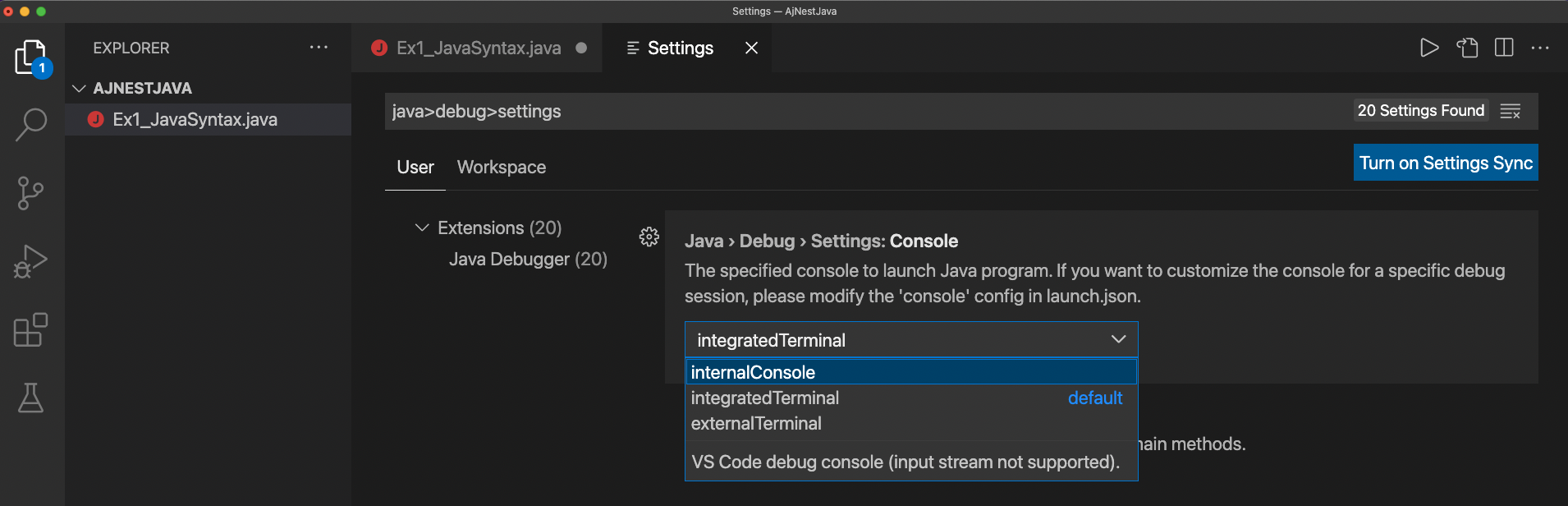
ทำการกด Run ผลลัพธ์อีกครั้ง และไปดู Output ที่ Debug Console

แบบฝึกหัดที่ 2 Java Variables
//Aj.NesT the Series
/**
 * Ex2_JavaVariables
 */
public class Ex2_JavaVariables {
    public static void main(String[] args) {
        String name = "Aj.NesT the Series";
        System.out.println(name);

        int score1 = 89;
        System.out.println(score1);

        int score2;
        score2 = 93;
        System.out.println(score2);

        int score3 = 58;
        score3 = 73;
        System.out.println(score3);

        final int score4 = 83; //final variable value
        //scoreD = 30; //error
        System.out.println(score4);
        System.out.println("Mean: "+((score1+score2+score3+score4)/4));

        int score = (score1+score2+score3+score4)/4;
        String firstName = "Aj.NesT ";
        String lastName = "the Series";
        String fullName = firstName + lastName;
        System.out.println(fullName + "'s mean score: "+ score);
    }
}
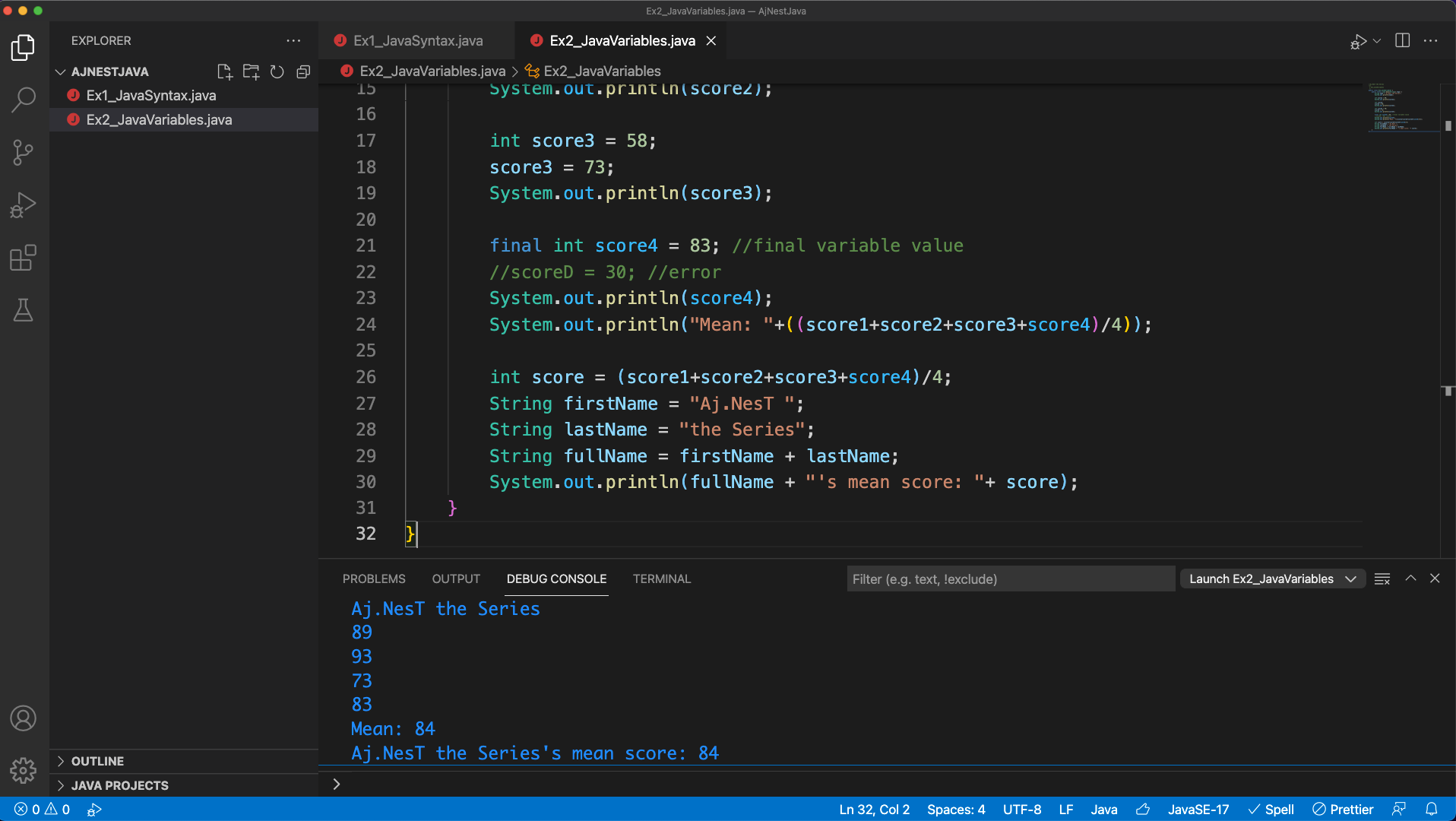
แบบฝึกหัดที่ 3 Java Data Types
//Aj.NesT the Series
/**
 * Ex3_JavaDataTypes
 */
public class Ex3_JavaDataTypes {
    public static void main(String[] args) {
        byte numByte = 127; //-128 to 127
        short numShort = 32767;
        int score = 90; //-2147483648 to 2147483647
        long numLong = 9223372036854775807L; //-9223372036854775808 to 9223372036854775807
        float gravity = 9.8f, numFloat = 26e3f; //6 to 7 decimal digits
        double golden_ratio = 1.618033988d, numDouble = 18e4d; //15 decimal digits
        char grade = 'A', gradeB = 66; //Character or ASCII values
        boolean answer = true; //true or false
        String name = "Aj.NesT";
        String text = "\"I love Java Programming\""; //Escape character in Java
        String file = "My work files are in D:\\Work Projects\\java";
        System.out.println(score);
        System.out.println(gravity);
        System.out.println(golden_ratio);
        System.out.println("byte: "+numByte+ " short: "+numShort+" long: "+numLong);
        System.out.println("float: "+numFloat+ " double: "+numDouble);
        System.out.println(grade+" "+gradeB);
        System.out.println(answer);
        System.out.println(name+" say "+text);
        System.out.println("Files: "+file);
    }
}



Lecturer, Blogger, Traveler, and Software Developer ที่ชอบอ่านบทความใหม่ๆ ตลอดเวลา ชอบหาวิธีสร้าง Inspiration เป็นชีวิตจิตใจ มีความฝันอยากทำ CREATIVE PRODUCT ที่สามารถเปลี่ยนแปลงโลกให้ดีขึ้น และอยากถ่ายรูปสถานที่ท่องเที่ยวรอบโลก สอนหนังสือ ชอบแลกเปลี่ยนความรู้ และเขียน WEBSITE, MOBILE APP, GAME, ETC ที่เป็นประโยชน์กับโลกใบนี้